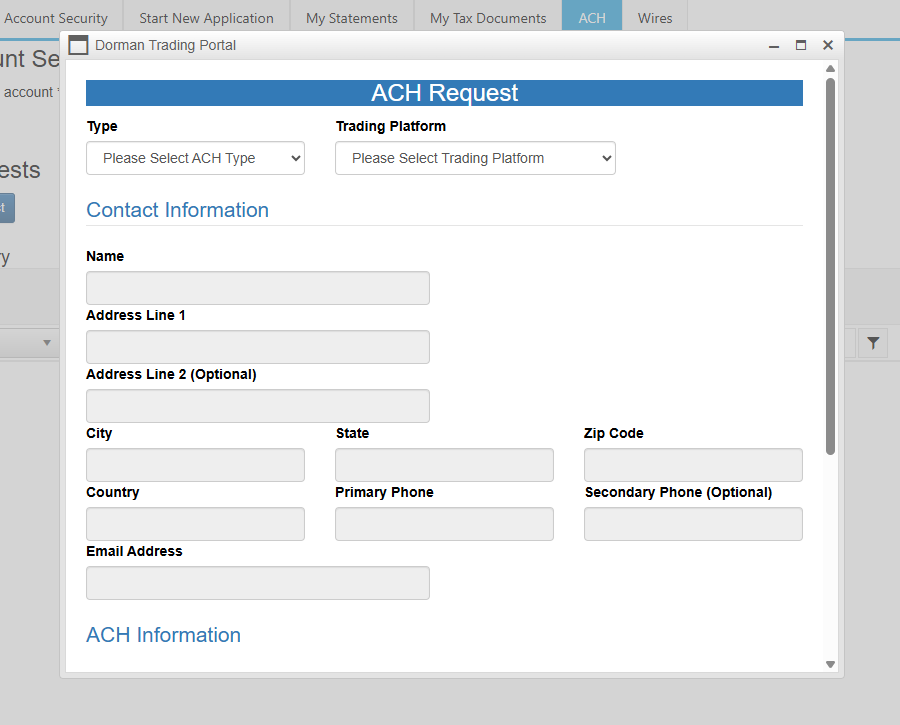
ACH is the most common way to fund a MetroTrade account. It is free, works with most U.S. bank accounts, and typically clears within 2 to 4 business days.
Note: ACH Transfers are limited to a maximum of $5,000.
Here's a quick video on how to fund your account via ACH:
ACH deposits are subject to a confirmation hold:
| Deposit Amount | Hold Time |
| <$1,500 | 1 business day |
| $1,500-$2,500 | 2 business days |
| $2,500-$5,000 | 3 business days |
| >$5,000 | 5 business days |
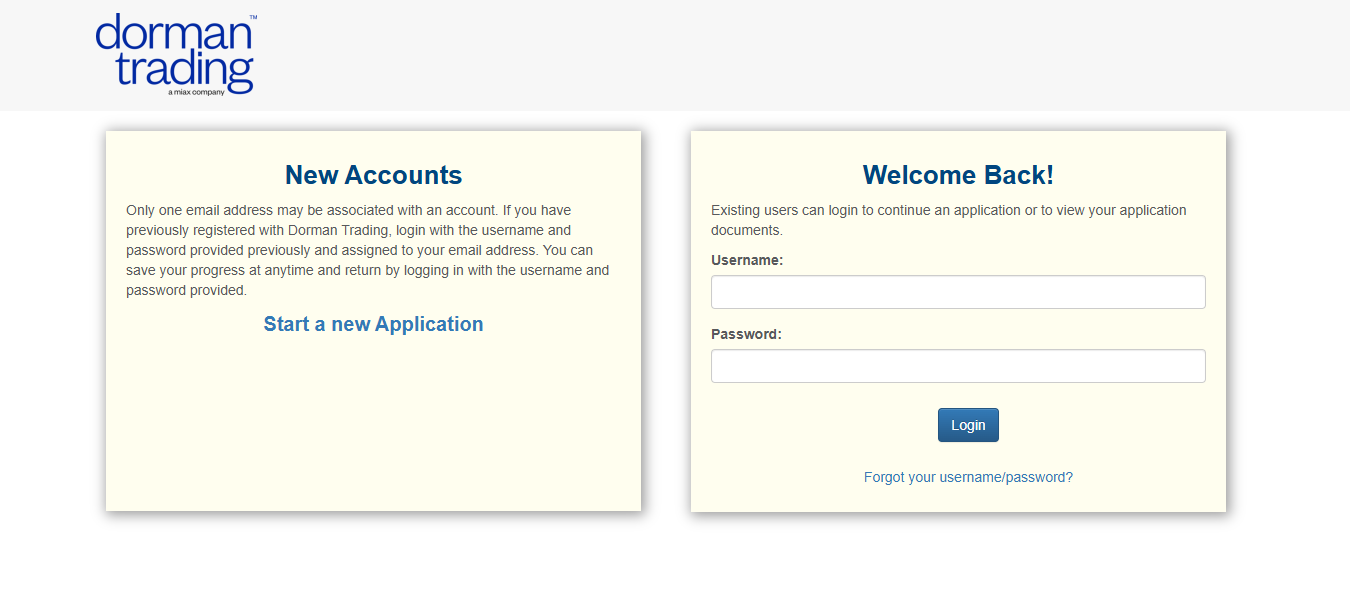
Log in to the Dorman Portal
During account opening, you created a login for the Dorman Trading portal.
Go to this link and sign in with those credentials.
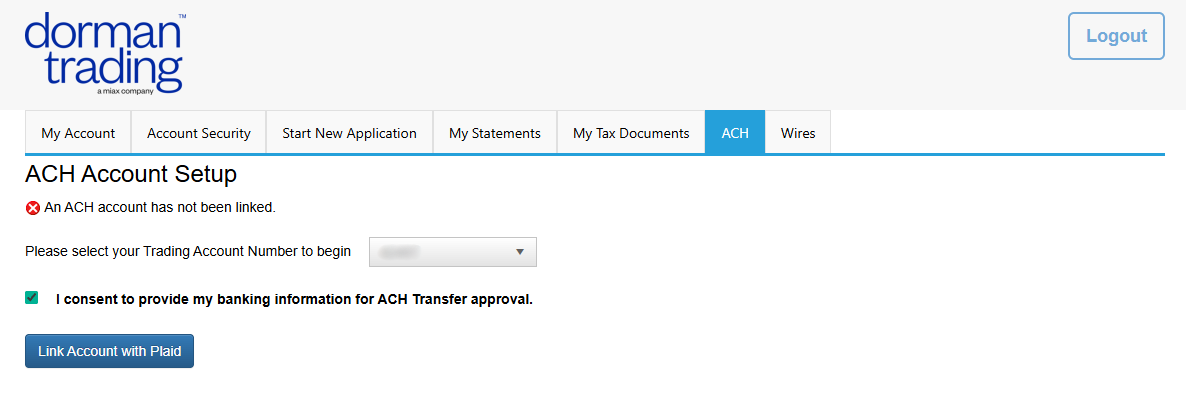
Navigate to ACH
Click “ACH” in the top menu bar. Check the consent box to authorize ACH transfers, then click “Link Account with Plaid.”
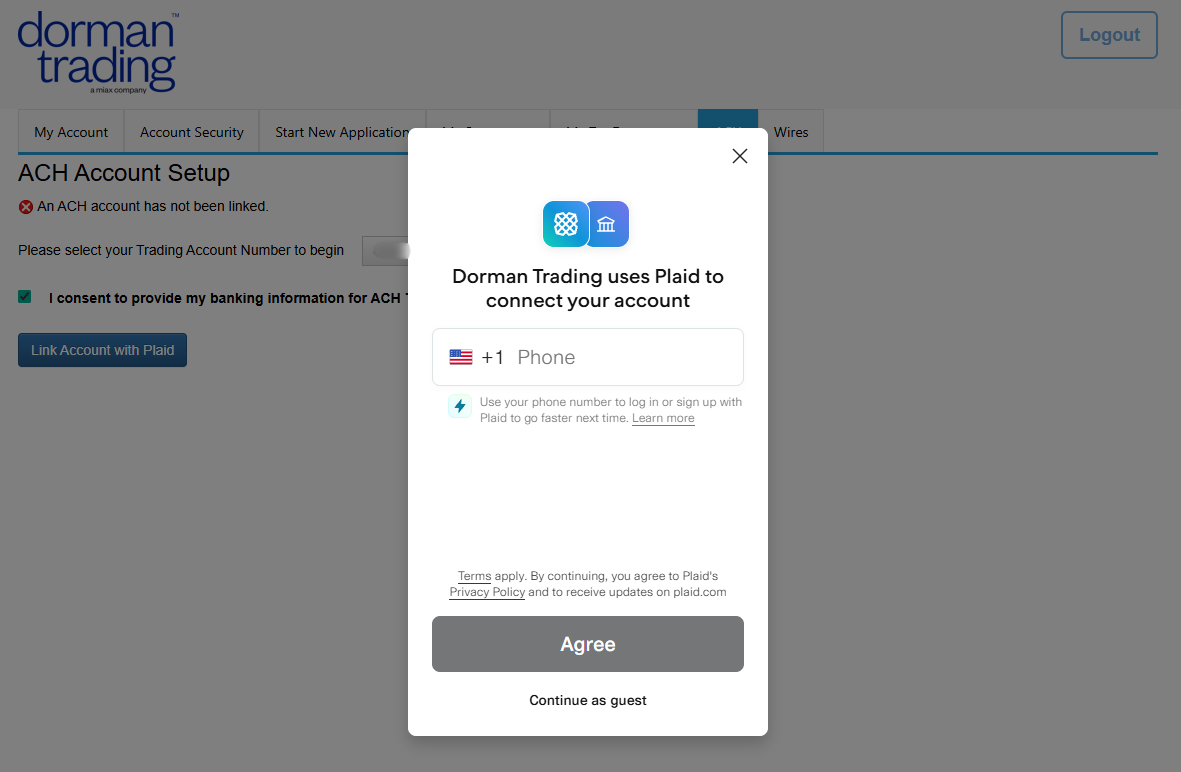
Connect your Bank
Plaid is a secure service that links your bank account. Follow the prompts to select your bank and verify your account.
Wait for Approval
Your linked bank account will be reviewed and approved, typically within 1 business day.
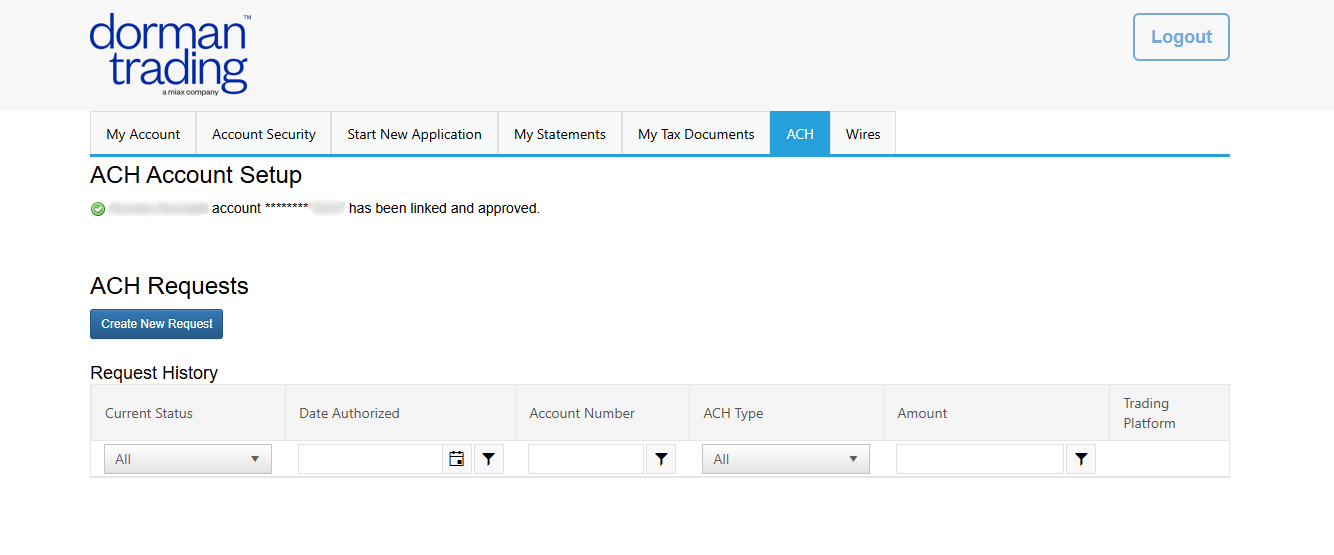
Initiate your Transfer
Once approved, return to the ACH section to submit your deposit request. Select your trading platform as “CQG” or “Other”.
Alternatively, you can email us your request and amount.