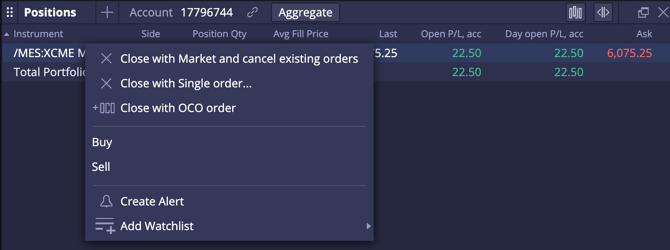
By right-clicking on the specific product code month in the Watchlist.
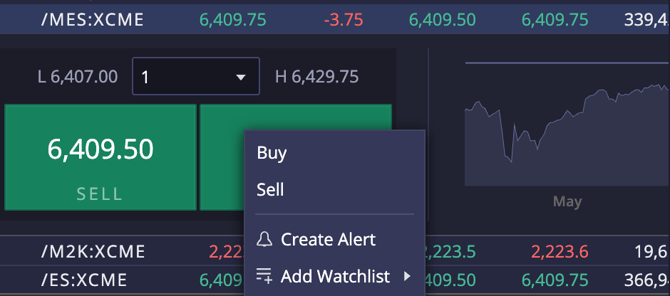
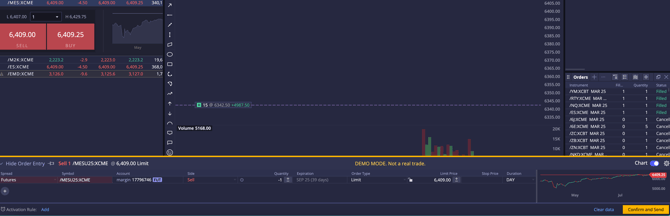
By left-clicking on the product code in the Watchlist.
By clicking 'buy' or 'sell' in the top of the Chart Widget.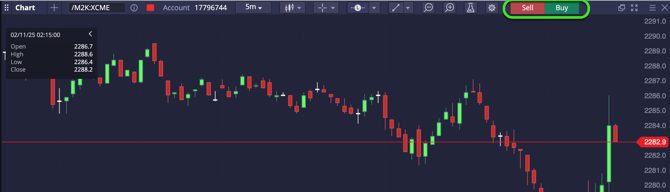
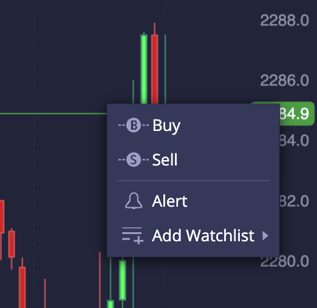
Right-clicking inside the chart.
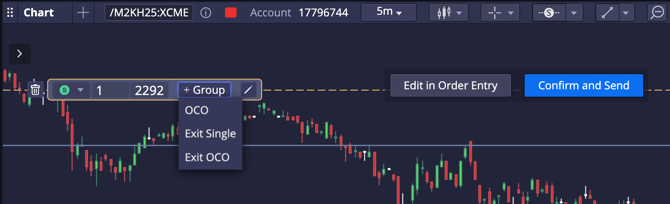
Choosing the 'L' or 'S' menu at the top of the screen and left-clicking inside the chart.
From the Orders Widget.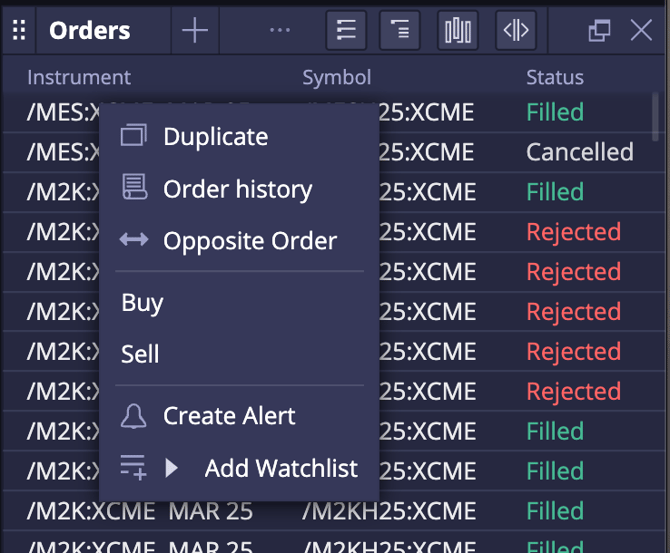
From the Positions Widget.