This reset will update the password for both the MetroTrader trading platform (app and web) and the MetroTrade portal.
How to Reset Your Password:
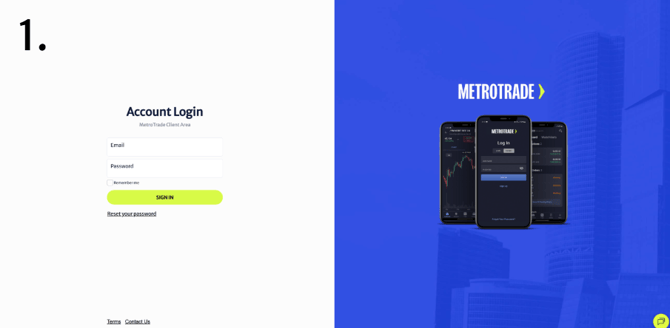
- Go to the MetroTrade login page:
https://portal.metrotrade.com/account/login - Click Reset your password
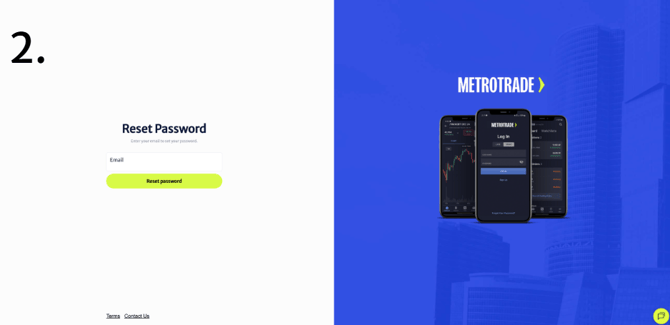
- Enter the registered email address.
- Follow the instructions sent to your email to create a new password.
- Log in using your updated credentials.